Cycle Count
Keeping inventory perfect is hard. Cycle counts make it easier to maintain accurate inventory levels.
How to Perform a Cycle Count
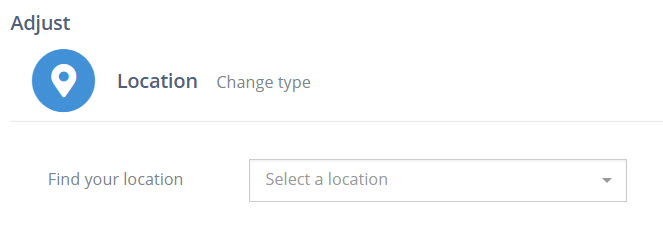
Section titled “How to Perform a Cycle Count”- Tap “Adjust” then choose “Location” and scan (or enter) the inventory location you are about to count.
🚧 What if ALL of my inventory is in a single Location?
Cycle counts are easiest when all the contents of a single inventory location can be touched within about 20 minutes or less. If you will need more time than that for a single location consider using bulk Inventory Adjustments by batch.
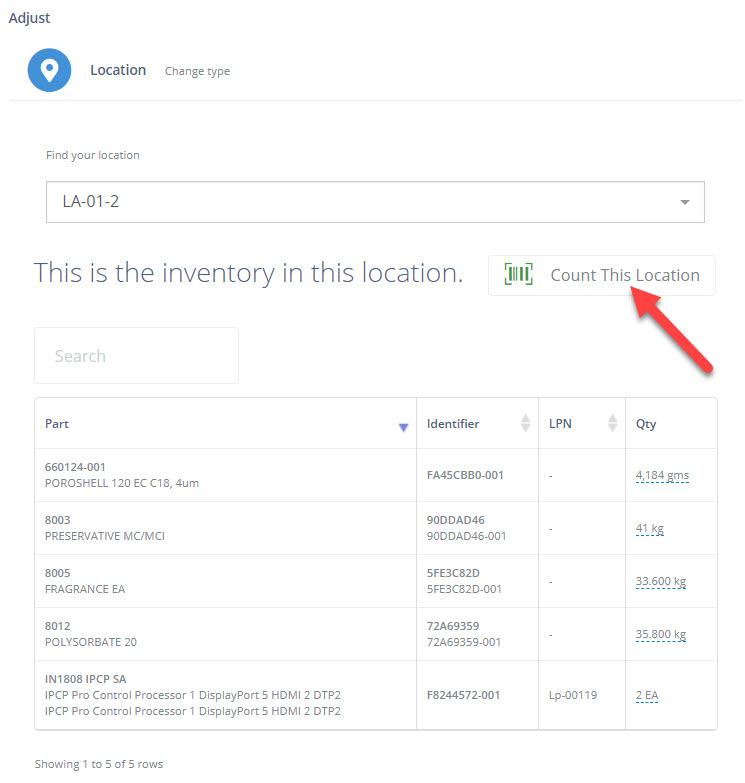
- Select “Count This Location.
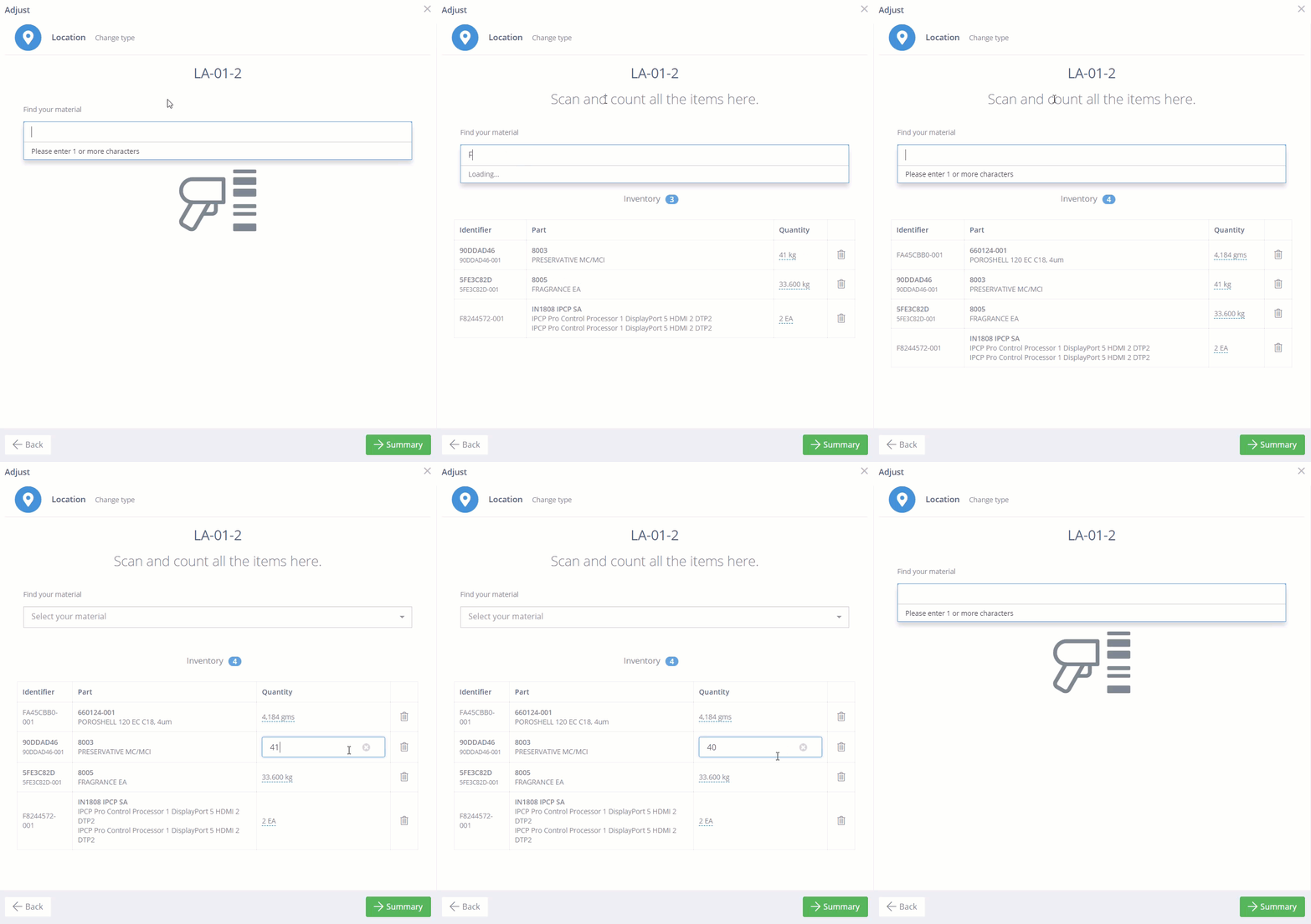
- Scan the inventory physically in the location you are counting.
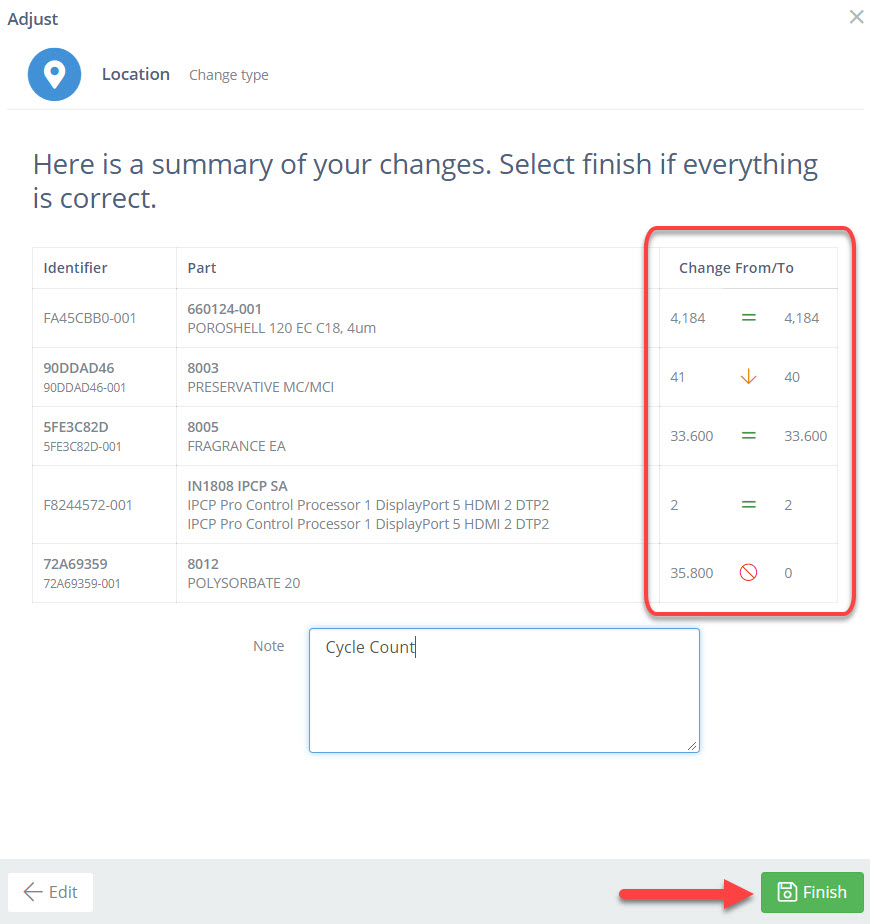
- Tap “Summary” to review the details of the count. Add a note (if required) then select “Finish”.